Activation in 5 minutes
 Contactless payments via NFC
 Works across Uzbekistan
 ATTO integration
All about cards
Fast onboarding
Get your card in minutes via mobile app
Mobile management
Control balance, payments, and settings in-app

Easy top-up
Convenient top-up in national currency

Security & control
SMS alerts and advanced protection

How to apply for an UZCARD Moment card?
1
Registration and Identification
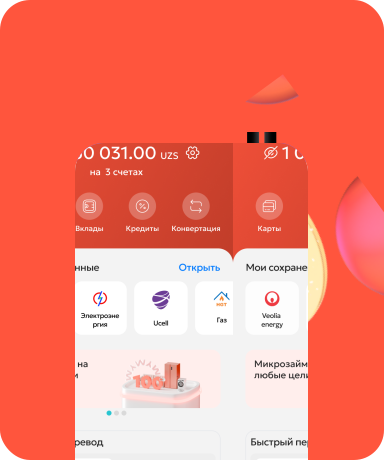
Download the Mybank app and verify your identity through the OneID system.
2
Card Selection
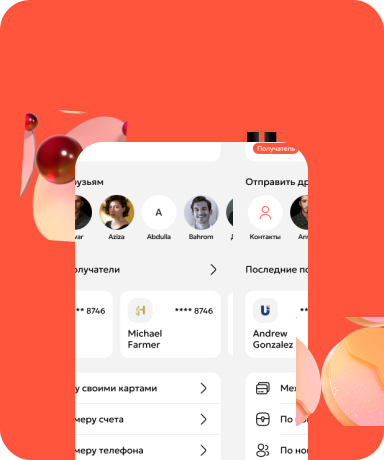
In the "Cards" menu, go to "Open a card," select "Uzcard Moment," and accept the offer terms.
3
Activation and PIN Code
Enter your card details, confirm with an SMS code, and set a PIN. Your card will be activated and ready to use in just 2 minutes!
Frequently Asked Questions (FAQ)
Still have questions?
Leave your contact details and our operator will call you back